Hardware · hardware
1.5.1 for the Analogue 3D: A small patch, a long list of changes
As September ends, the air goes oddly soft. No, by soft I don't mean warm. The mornings are cool, the afternoons mild, and you keep dithering over whether to take a jacket. The pots on the balcony put out their last flowers, and the street cats sit down to haggle over the sunny corners. On days like these, opening the window and doing nothing at all is a pleasure too. But for some of us the real pleasure is seeing the little box under the TV download a new update, then reading the notes line by line to see what they've fixed this time.
In this month's file I'll be telling you about version 1.5.1 of the Analogue 3D's operating system (3DOS), released on 23 September 2026. Let me say it up front: we don't have a unit. This piece is based on Analogue's own release notes, the device's technical specifications and what owners have reported.
First, a reminder of the box
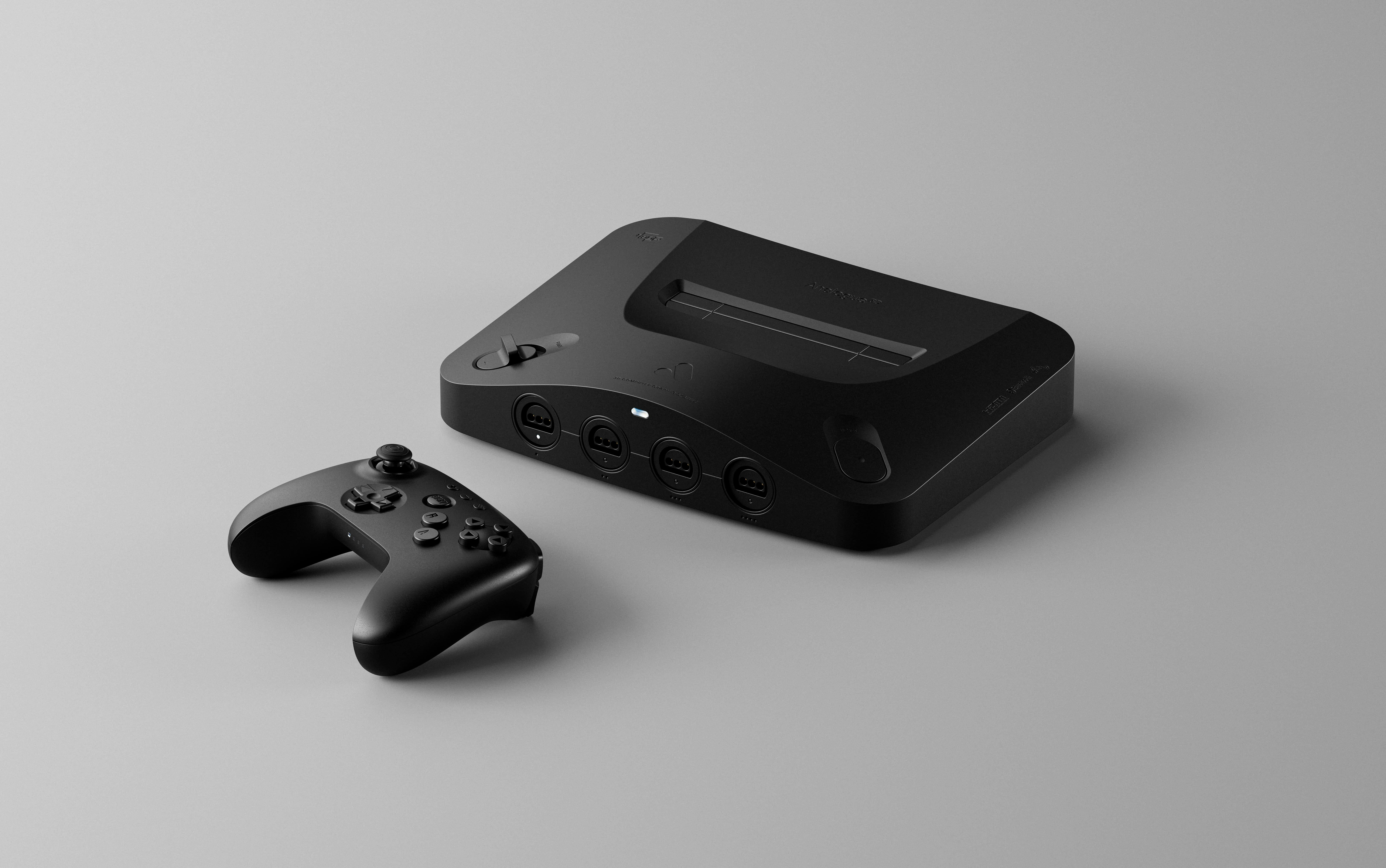
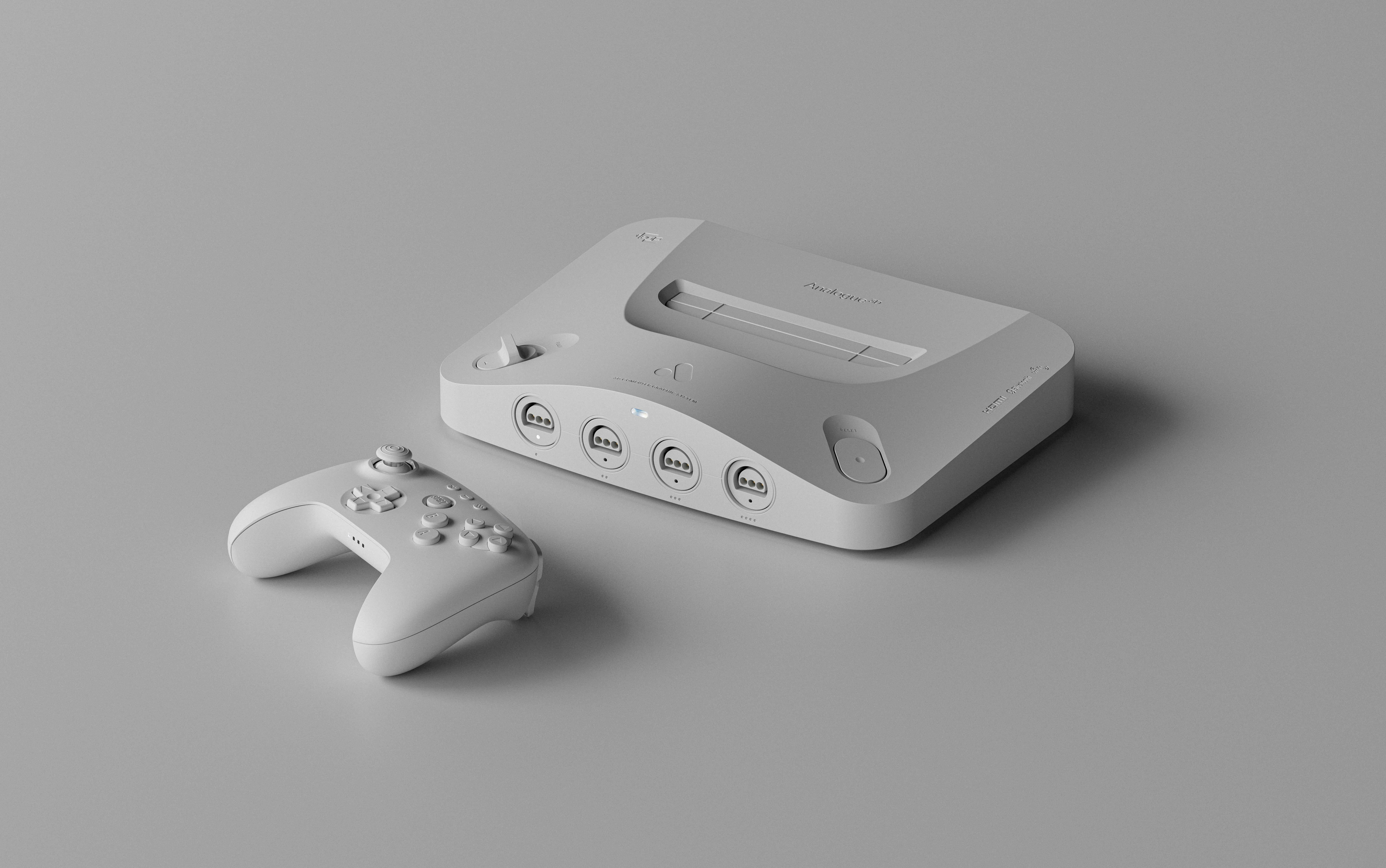
The Analogue 3D is an FPGA (a programmable logic chip) console that plays Nintendo 64 cartridges. So there's no emulator program running inside it. An Intel Cyclone 10 GX chip rebuilds the N64's circuitry at the circuit level. After a few delays the device went on sale on 18 November 2025. The price started at $249.99 and rose to $269.99 after tariffs (that figure is from Wikipedia; it doesn't appear on Analogue's product page). You get 4K HDMI output, variable refresh rate (VRR), no region lock, a built-in Expansion Pak and Controller Pak, four original controller ports and two USB-A sockets. No controller comes in the box. It doesn't run community-written cores (openFPGA) either.
The previous version, 1.5.0, arrived on 21 July and added built-in upscaling to the device. 1.5.1 is the point release that follows it. The download is 22.3 MB. Its MD5 is 75f14fd5e3961acff208d154e1ea8c9f; I recommend checking the file you download against it.
The changes, one by one
Analogue has grouped its notes under three headings. I'll go in the same order.
General
- Overclock and Force Original Hardware: These can now be changed from the In-Game Menu. Analogue says the change may take a few seconds to settle.
- Overclock "Off": A new option that turns the speed boost off completely, and it works together with the other Hardware settings.
On paper these two items look small, but in daily use they're the ones you'll feel most. When you notice a game stuttering with the overclock on, you don't have to go back to the main menu and close the game. You change the setting from inside the game, wait a few seconds, and that's that.
Core (the FPGA side)
- CPU instruction cache: The CPU's instruction cache now behaves more accurately.
- Horizontal scaling and progressive output: Performance has been improved in these two modes.
- Image cropping: A regression that broke cropping in some games has been fixed.
A parenthesis is in order here. "Cache behaviour fixed" takes up one line in the notes, but in an FPGA console this is the real work. You have to imitate every habit of the original machine exactly, bad habits included. Analogue hasn't said which games benefit from it. I won't fill the gap with guesses.
Operating system
- Unknown cartridges: For homebrew or unlisted cartridges, details such as the title, developer and publisher can be edited by hand in the Library.
- Defaults: The N64 library's defaults, such as Auto Overclock, horizontal scaling and progressive output, have been reset, and each one gets a reset option.
- Memory: Save states can now be made from the in-game menu as well as with the shortcut.
- Bulk reset: Under Settings → System → Maintenance, the Hardware and Advanced settings, or the Original Display Mode settings, of the whole library can be reset in one go.
- In-game reset: The Hardware and Advanced options can also be reset from the in-game menu.
- Virtual Accessory: When a wireless or USB controller is used, the active or default virtual accessory shows up under Hardware → Virtual Accessory.
- VRU and VRS: The library now tells the American version of the Voice Recognition Unit, the VRU, apart from the Japanese version, the VRS.
- Archive: Once the update finishes, the update files are moved to the /System/Archived folder on the SD card.
- Fixes: Joystick and D-pad sensitivity has been fixed on some menu toggles. The alphabetical index going haywire whenever Masters '98: Harukanaru Augusta was in the library has been sorted out. Gallery ODM changes sometimes altering the in-game ODM settings as well has been stopped.
Reading the Masters '98 item, it's hard not to smile. A single Japanese golf game was throwing the whole library's alphabet out of order. Diagnosis: a character in the game's title confusing the sort, most likely. Analogue hasn't explained it, so I won't speak with certainty. But the fact that a bug like this was found and fixed shows that someone is genuinely wrestling with the odd cartridges on the shelf.
Analogue has also issued a warning: the final stage of the update can take a long time, and the device may restart on its own. In other words, keep your hands off the plug during that stage.
So what is this patch really about?
Look at the list as a whole and it's clear 1.5.1 isn't a feature release. It's a housekeeping release. 1.5.0 brought upscaling and piled on more settings. 1.5.1 opens three doors for the user lost among those settings: changing things from inside the game, bulk reset and reworked defaults. When the console launched, critics praised the design, the compatibility and the display options, but found the system-side features thin. IGN gave it 8, Wired 9, Time Extension 9. This patch touches exactly that thin spot. The right spot, in my view.
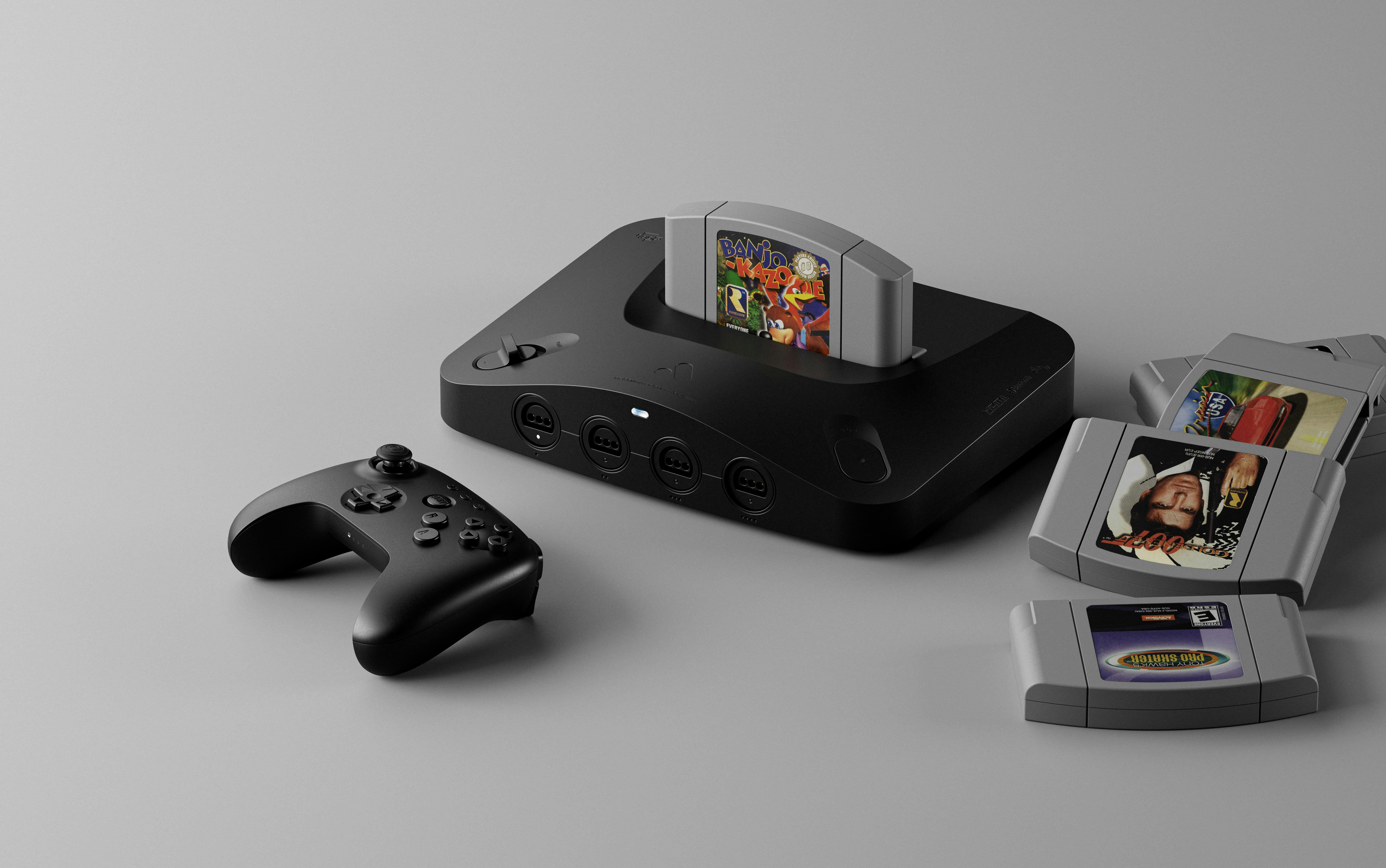
I also liked the option to edit the details of unknown cartridges, because it's useful to the do-it-yourself crowd. Someone who writes homebrew, or who collects cartridges of every stripe, no longer has to live with rows sitting in the library as "Unknown". Moving the update files to /System/Archived instead of deleting them is in the same spirit: the file stays on your own card, in your own hands.
So is it all sunshine and roses? No.
What owners report
Some owners commenting under Time Extension's news story say they got a black screen at startup after the update. One says that rolling back to 1.5.0, even with help from Analogue support, didn't fix it every time. Others, pointing to Reddit, write that unplugging the HDMI cable and plugging it back in did the trick. These aren't verified; they're what a handful of people have reported. At the time of writing Analogue had not acknowledged a problem with 1.5.1, and we didn't come across a follow-up fix either.
I'm still not brushing it off, because the device's history with HDMI isn't spotless. The HDMI problems at launch were fixed with version 1.2.0. Some EverDrive X5/X7 flash carts were also incompatible at first. So the handshake between the box and the TV is this device's sore spot.
My advice to you
If you're going to update, do the following, in order:
- Backup: First copy the whole SD card to your computer. Your save states and settings live there. Don't install an update on a card without a backup.
- Verification: Check the MD5 of the file you downloaded against the one above. On a 22.3 MB file this takes less than a minute.
- Patience: In the final stage the device may sit there for a long time or restart. Don't cut the power.
- Black screen: If it happens to you, before panicking and rolling back, try unplugging the HDMI cable and plugging it back in. According to owners, that's the cheapest and quickest fix. If that fails, write straight to Analogue support.
If you're a reader in no hurry at all and happy with 1.5.0, waiting a few weeks to see whether the black-screen reports die down is a sensible route too. But if you change the overclock often, lean on save states a lot or keep piling homebrew cartridges into your library, this patch will make day-to-day use a good deal easier. The choice is yours.
Well, that's all 1.5.1 has to tell. Until we meet in the next issue, goodbye...
Sources
- Primary source analogue.co
- Press kit analogue.co